Features
Everything you need to document cases securely and efficiently.
Case count
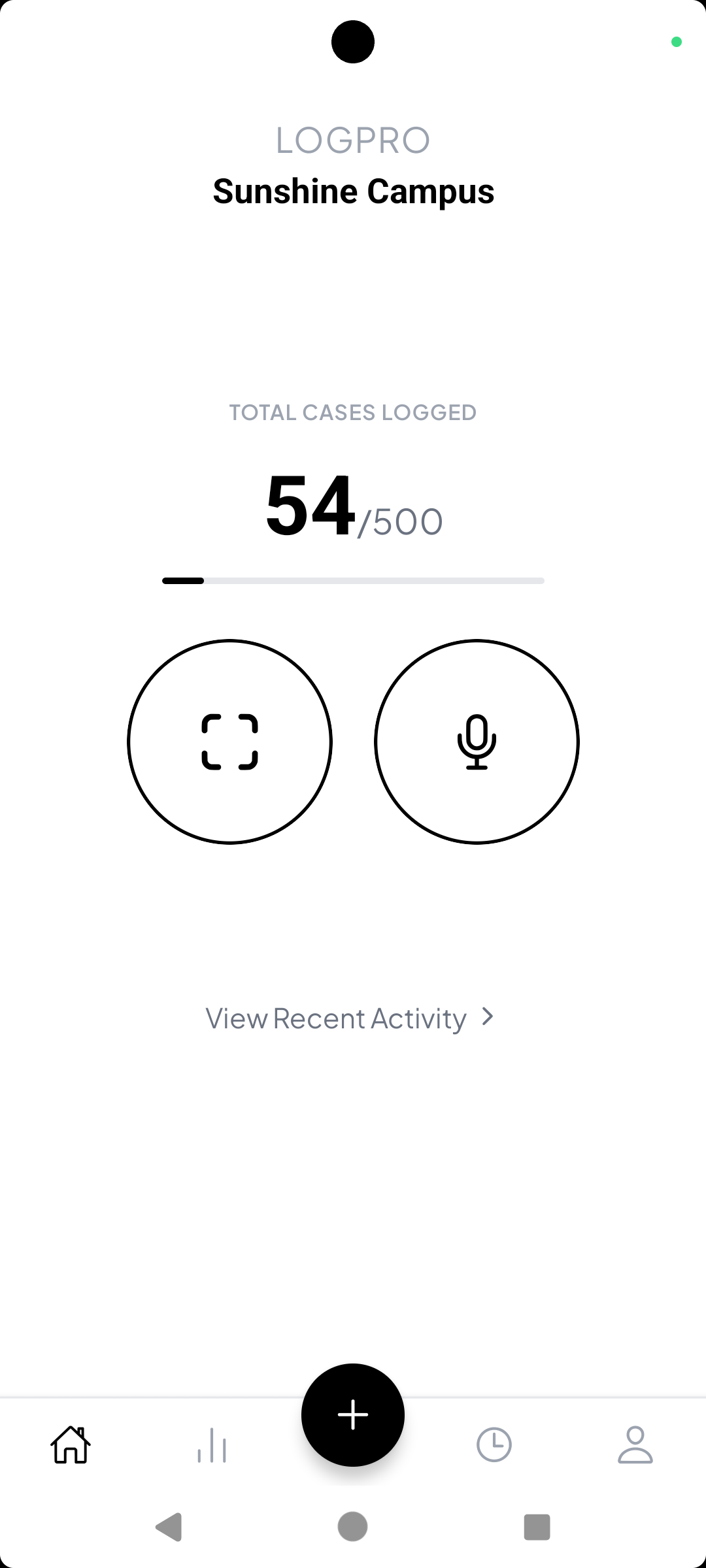
See exactly how many cases you have logged up to today, with a running total that increases every time you add a new case. Use this as your quick snapshot of overall activity in Case Log Pro.
Case logging
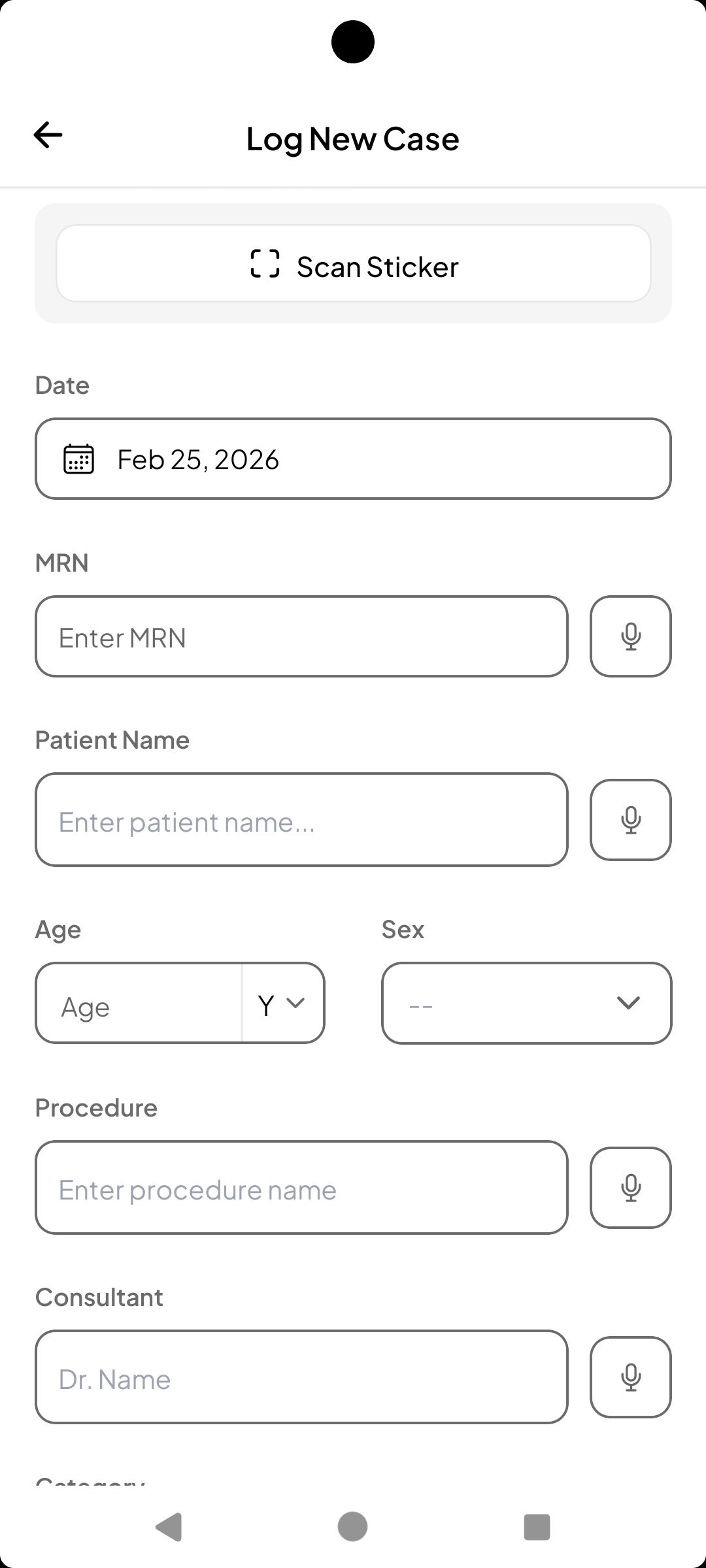
Create and store medical case entries with patient MRN, name, age, sex, procedure details, consultant, role, category, specialty, and comments. Draft support lets you save and complete later. Submit cases to your default logbook or choose another.
OCR
Use your device camera to scan documents—our OCR extracts text to prefill case fields automatically. Speed up data entry from printed forms, referral letters, or notes while keeping accuracy high.
Dictation
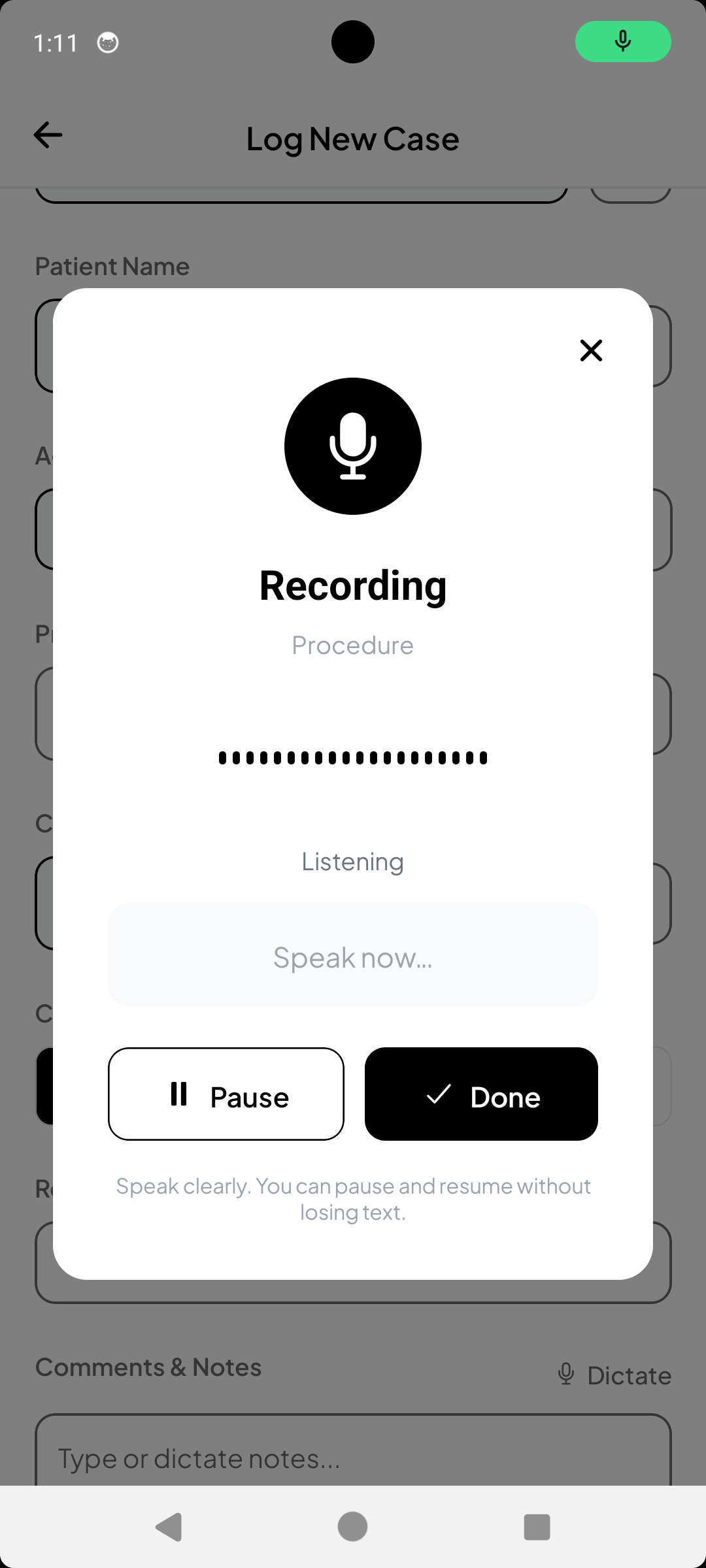
Use voice transcription to dictate notes and comments hands-free. Ideal for busy clinical settings where typing isn’t practical. Dictation speeds up data entry while you focus on the patient.
Logbooks
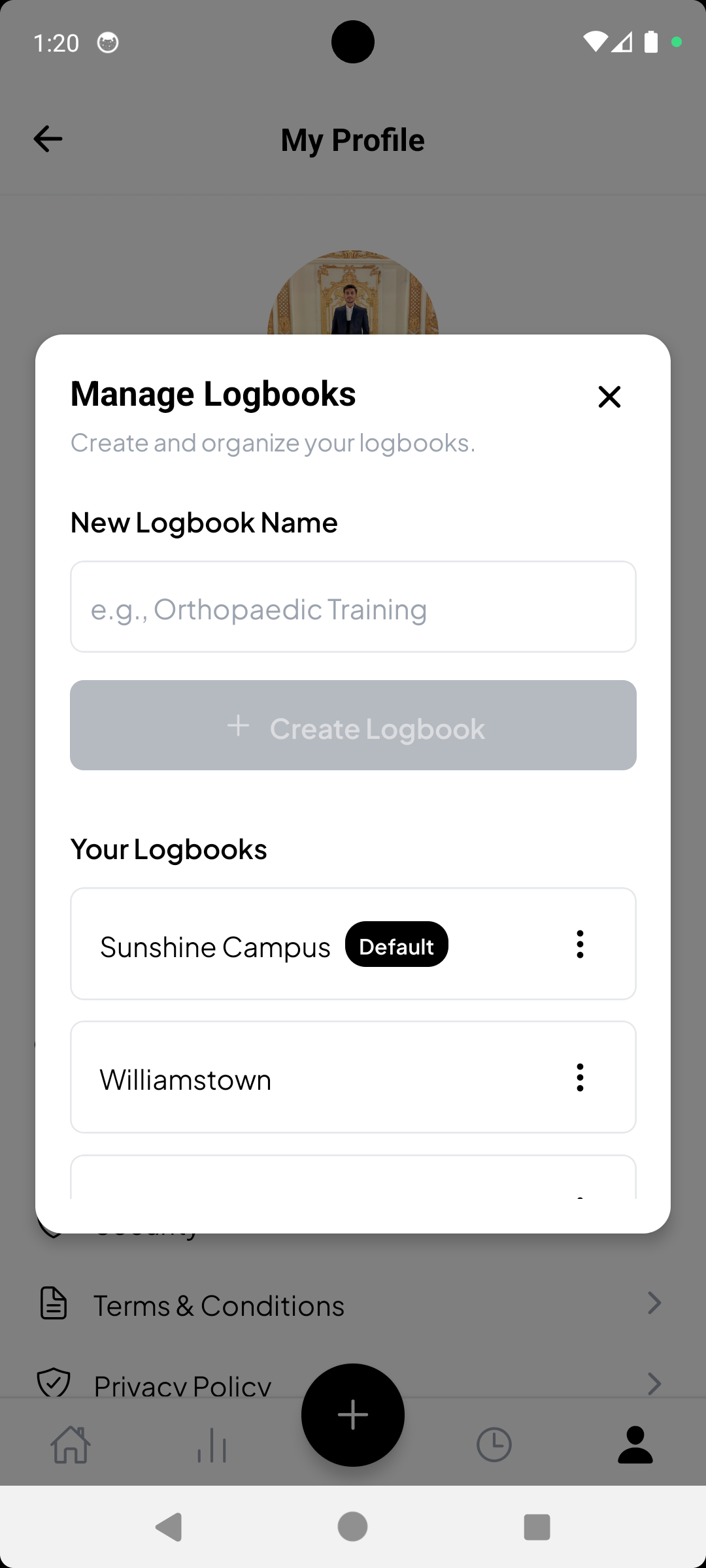
Organize cases into logbooks (e.g. by specialty or rotation). Create and switch between multiple logbooks to keep your cases grouped the way you work. Submit new cases to your default logbook or choose another.
History
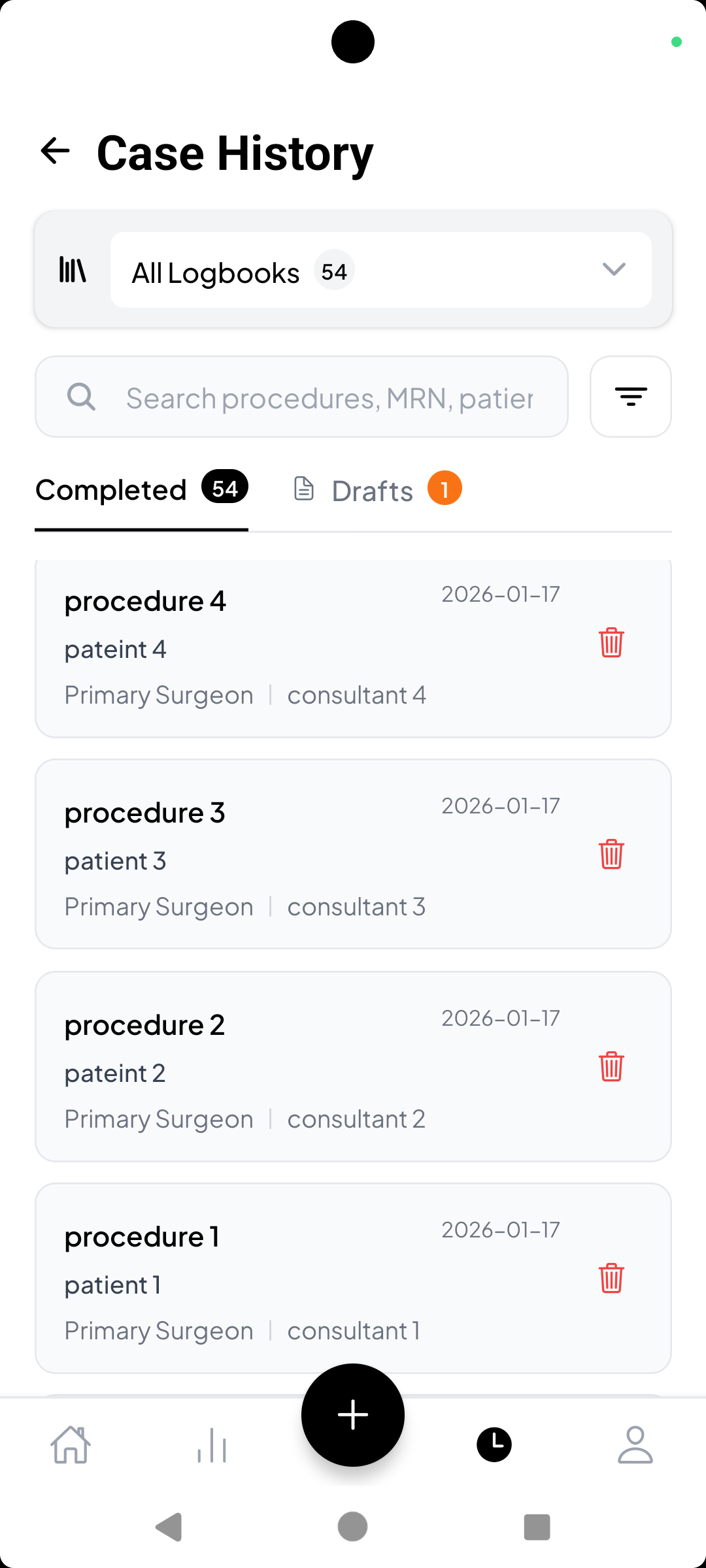
View completed cases and drafts in one place with full case details. Filter by date range, procedure, role, and search to find any case quickly. Your full history stays available and synced across devices.
Reports & stats
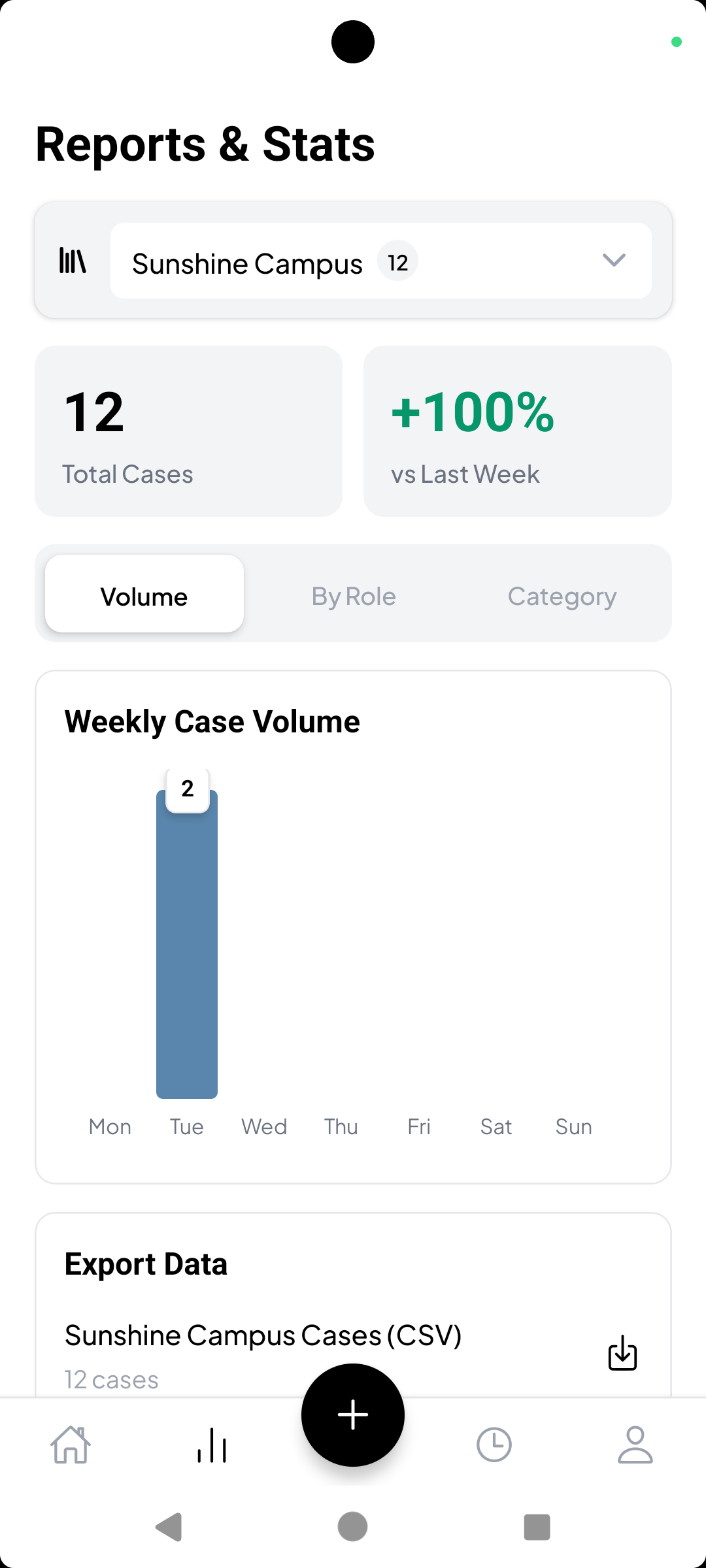
View case counts and statistics per logbook. See weekly volume, breakdowns by role and category, and export your data to CSV or PDF for reporting, portfolios, or institutional requirements.
Get Case Log Pro
Available on iPhone and Android. Log cases with OCR and voice input, work offline, and stay HIPAA-compliant.